
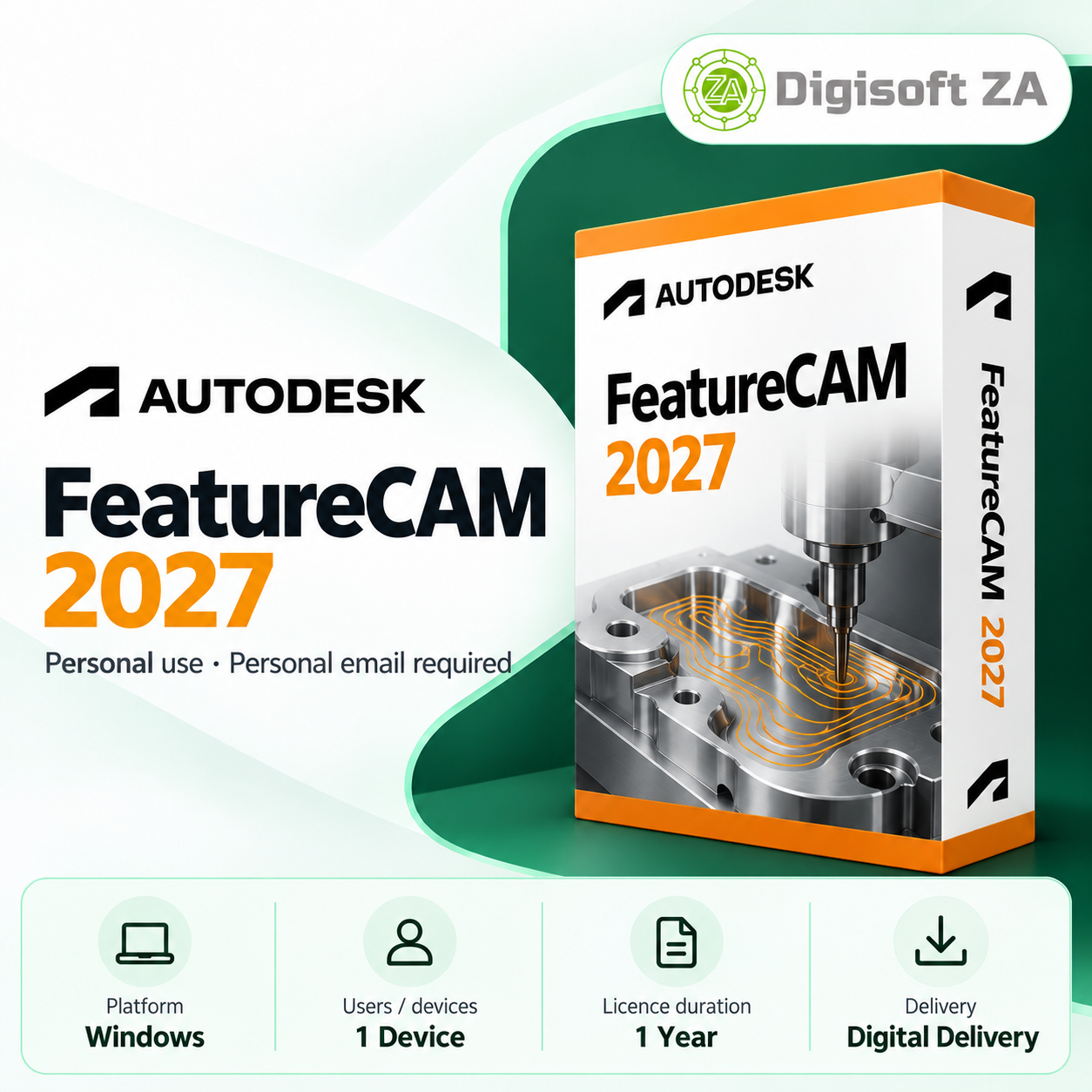
| Brand | Autodesk |
| Manufacturer | Autodesk |
| Model Number | DIG-4199-1 |
Overview FeatureCAM 2027 is a CAM application focused on automating CNC programming tasks. It uses feature recognition and manufacturing automation to assist with operation selection, toolpath generation and machining simulation for milling, turning and millturn production. Key Features The product provides tools and automation aimed at reducing repetitive programming work and improving consistency across CNC projects.
Automated feature recognition to identify machinable geometry from CAD models CAM automation to streamline repetitive programming decisions Milling toolpath creation for pockets, holes, slots, profiles and faces Turning workflows for lathe and cylindrical components Millturn support for compatible multitasking machines Toolpath simulation to visualise machining sequences before production Version Access This subscription provides access to multiple recent FeatureCAM releases through your Autodesk account.
Access to FeatureCAM 2024, 2025, 2026 and 2027 via the Autodesk account associated with the licence System Requirements Install and run FeatureCAM 2027 on supported 64bit Windows systems that meet the product's stated requirements. Operating System: Windows 10 / Windows 11 (64bit) Processor: Modern highperformance 64bit multicore Intel or AMD processor Memory: 16 GB RAM recommended; more may benefit complex projects Graphics: Dedicated graphics hardware recommended for complex models and simulation Storage: SSD recommended with sufficient free space for installation and project files CNC Equipment: Compatible CNC machinery and appropriate postprocessing configuration may be required Internet Connection: Required for activation, updates and applicable online services (as stated in product information) Licence & Account Requirements The subscription licence is delivered for personal use only as stated in the product information.
The licence is added to and managed through the purchaser's Autodesk account. Licences are intended for personal use only; any commercial use is at the buyer's own risk (per the product notice) Activation and licence delivery require a personal email address (examples given: Gmail, Outlook.com, Yahoo Mail, iCloud Mail) Business, school, government or organisationmanaged email addresses cannot be used for activation Each subscription seat requires a separate personal email address Delivery & Support Delivery is digital.
The licence is added directly to your Autodesk account and you manage the subscription through that account. Free remote installation assistance is included as specified in the product information. Delivery: Digital delivery (no physical media) Support channels: WhatsApp and email during business hours Remote installation: TeamViewer QuickSupport where applicable Free remote installation assistance provided (as stated in the product listing)
 Related Products
Loading similar products...
Stay informed about the best deals and price drops. Choose which notifications you'd like to receive from PriceCheck.


