
| Brand | Autodesk |
| Manufacturer | Autodesk |
| Model Number | DIG-9502 |
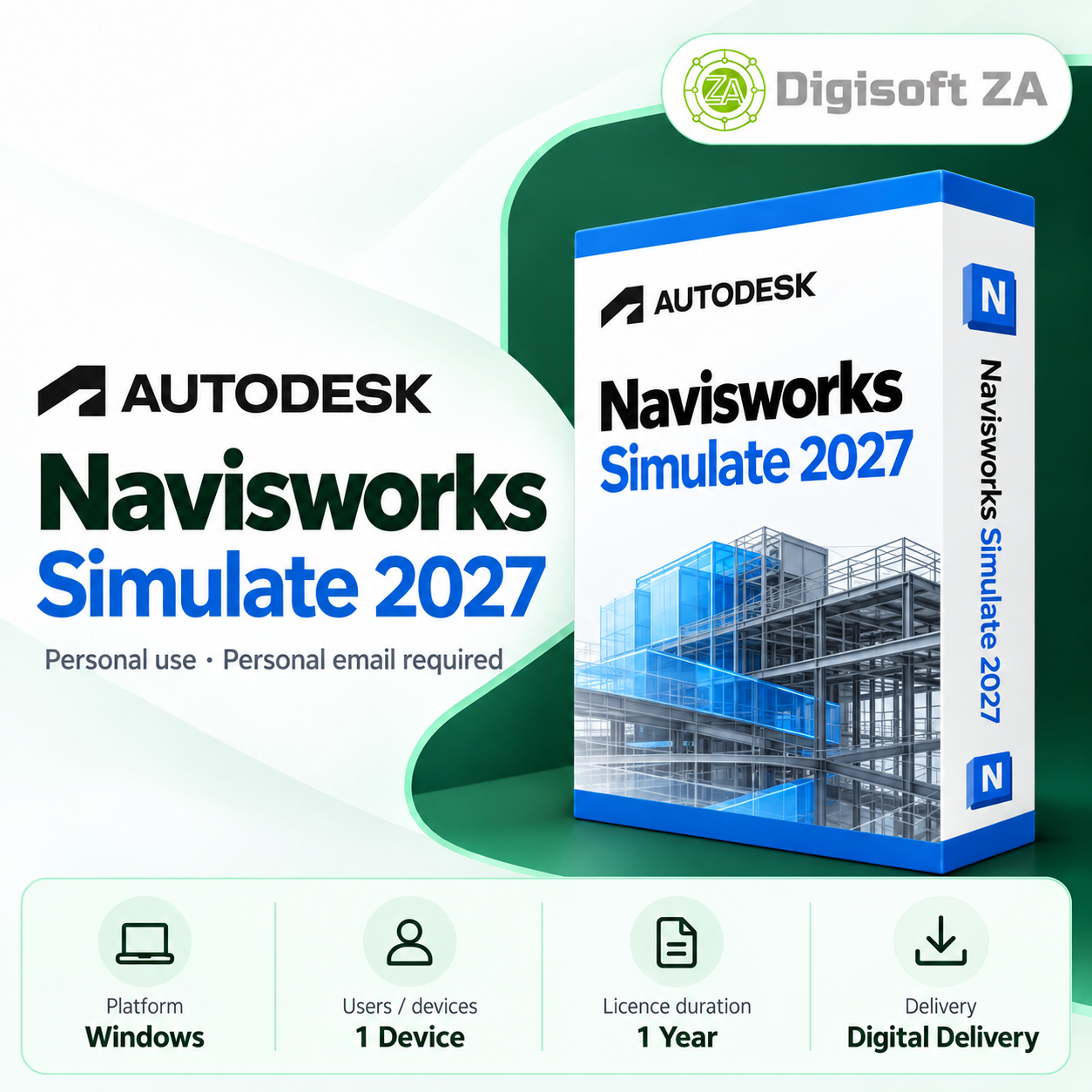
Overview Autodesk Navisworks Simulate 2027 combines BIM and CAD models into a single environment for project review, visual presentation and construction-sequence visualisation. It helps project stakeholders inspect complex models, present progress and prepare 4D simulations to review sequencing before construction begins.
Key Features Navisworks Simulate focuses on model aggregation, 4D simulation, visualisation and quantification to support planning and project-review workflows. The tools are designed to navigate large datasets, inspect designs prior to construction and produce quantity takeoffs and reports for planning and estimating. 4D construction simulation: link schedules to model elements to visualise sequencing Model aggregation: combine architectural, structural, MEP and other discipline models Project review: inspect and navigate detailed models to identify issues early Quantification & reporting: generate takeoffs and export reports to support estimating Version Access This 1-year subscription provides access to multiple Navisworks Simulate versions.
You can select applicable versions through your Autodesk account for use during the subscription period. Access to Navisworks Simulate 2024, 2025, 2026 and 2027 via your Autodesk account System Requirements Use only on supported 64-bit Windows systems; consult the publisher for full, up-to-date compatibility and hardware guidance.
The product information supplies the following guidance and should be checked against Autodesk's official requirements for specific workflows and large models. Operating system: Windows 10 / Windows 11 (64-bit) Processor: modern 64bit multicore Intel or AMD processor (as supplied in product info) Memory: 16 GB RAM minimum; 32 GB or more recommended for larger projects (as supplied) Graphics: dedicated graphics card recommended for complex models (as supplied) Storage: SSD recommended with sufficient free space (as supplied) Internet connection: required for activation, updates and applicable online services (as supplied) Licence & Account Requirements Licences supplied with this product are described in the product information as intended for personal use only.
Delivery and activation require a personal email address; each subscription seat requires a separate personal email. Licences are added directly to the purchaser's Autodesk account and the subscription is managed through Autodesk Account. Personal-use licences only (as supplied in product information) Personal email required for activation (Gmail, Outlook.com, Yahoo, iCloud or similar) Business, school, government or organisation-managed emails cannot be used for fulfilment Each seat requires a separate personal email address Licence is added directly to your Autodesk account Delivery & Support Delivery is digital: the licence is added to your Autodesk account and the subscription is managed via Autodesk Account.
Free remote installation assistance is provided as stated in the product information. Support is available via WhatsApp and email during business hours; where remote installation is applicable, TeamViewer QuickSupport is used for remote access. Phone support and live chat are not offered unless explicitly stated in the listing.
Digital delivery; licence added to your Autodesk account Free remote installation assistance (as stated in product information) Support via WhatsApp and email during business hours Remote installation uses TeamViewer QuickSupport where applicable
 Related Products
Loading similar products...
Stay informed about the best deals and price drops. Choose which notifications you'd like to receive from PriceCheck.


