| Brand | Unbranded |
| Manufacturer | Aqara |
| Model Number | CTP-R01 |
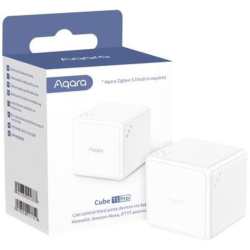
Aqara T1 Pro Controller Cube CTP-R01 Support Popular Ecosystems Thanks to the new Scene Mode, the Cube T1 Pro now can be used as a HomeKit controller. Moreover, it also supports Alexa, IFTTT and other ecosystems*. Side & Action Control for Scene Mode With dice-like indicators, you are able to use 6 sides to control different scenes or devices.
Rotating, shaking, holding or triggering after one-minute inactivity will create more possibilities. Action Mode from the Classic Cube Alternatively, you can switch the T1 Pro to the Action Mode. Push, shake, rotate, tap twice, flip 180, flip 90 and trigger after one-minute to enjoy more fun while retaining other benefits.
Future-Proofing via OTA* The Cube now supports OTA updates, which means that new features and fixes can be added after the release of the product. Up to 2-Year Battery Life The ultra-low energy consumption will make it more environmentally friendly and let you forget about charging the batteries for years.
Rotate to Control You can adjust the brightness or the temperature of other Aqara lights** or curtain opening percentage by rotating the cube: everything is configurable in the Aqara Home app. Support HomeKit and Alexa! Wider Compatibility Makes Infinite Possibilities We've made the T1 Pro much more versatile: now it supports HomeKit, Alexa, IFTTT and more* Now, you can use each of its six sides to control third-party devices, for example, flip it to side 5 to trigger an Alexa routine that controls the lights, and flip it to the side 2 to turn on HomeKit-compatible thermostat.
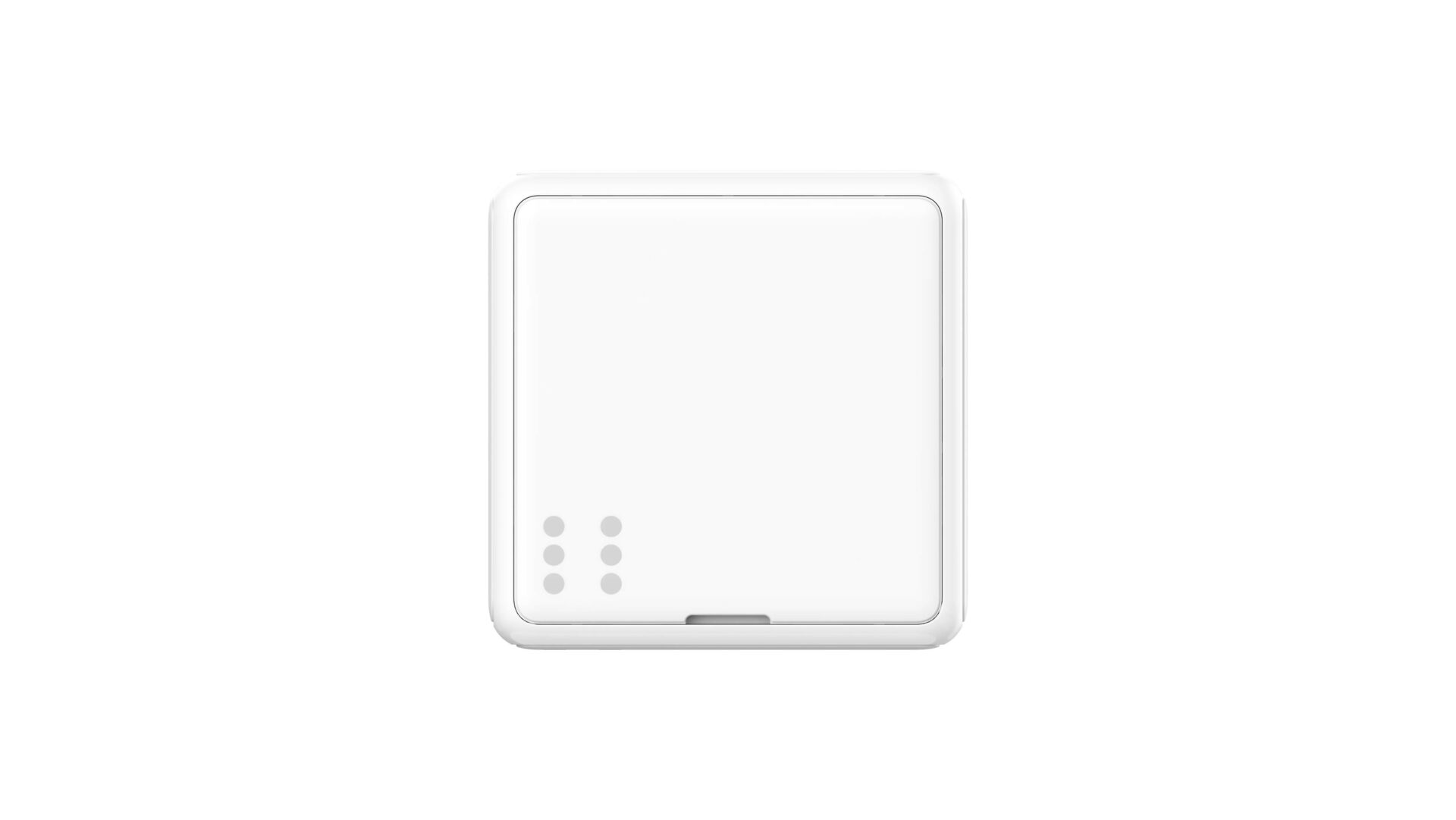
Find More Joy in Scene Switching Rolling the dice! No need to memorize all the actions, now we have clear dice-like indicators for each side and you are able to use each of them to control different scenes or devices. Apart from that, actions like rotating, shaking or holding for different sides create more possibilities.
Good Morning Scene Face 1 up to disable the alert mode, open the curtains and turn on the coffee maker. Romantic Scene Face 3 up to turn the LED strip into Custom colors. Cleaning Scene Face 5 up to start the robot vacuum cleaning. Good Evening Scene Shake to turn off all the light, turn on the heater and night light.
Switch to Action Mode for Effortless Magic Control Alternatively, if you just want to make it simple and playful, you are able to switch to the classic Action Mode*. Play around with your family! Moreover, shaking, flipping and triggering after one-minute inactivity make up to 7 actions alternative for your creativity in smart controlling.
Perfect couple! Use Cube T1 Pro to control the Camera Hub G3 IFCube is flipped to the side,THENSwitch G3 to Gesture Recognition mode. IFthe Cube is flipped to the side 3, THENturn the G3 to the entrance door. IFthe Cube is flipped to the side 5, THENturn on the G3s Privacy Protection mode. Thanks to G3s built-in Zigbee gateway function, no additional hub is needed.
Use one action or rotate to fully control your Curtain You can adjust the opening percentage of curtain or roller shade by rotating the cube, or using one action: shake the Cube once to open the curtain, shake it once again to stop the curtain at a desired position, and shake it once more if you want to close them: no need to use three different actions!
 Related Products
Loading similar products...
Stay informed about the best deals and price drops. Choose which notifications you'd like to receive from PriceCheck.