
| Brand | Unbranded |
| Manufacturer | Autocad |
| Model Number | AUTO01MAC |
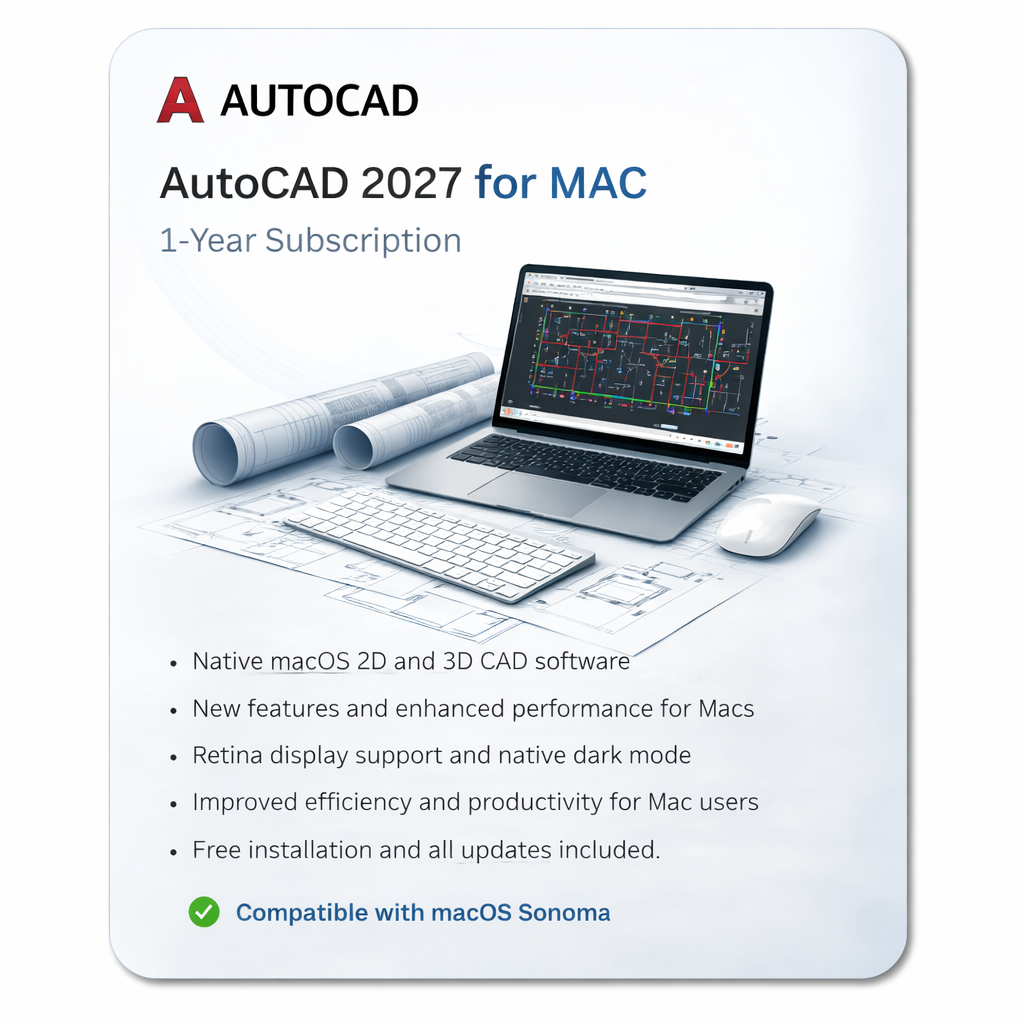
AutoCAD for Mac 2027 Professional 2D & 3D CAD Software by Autodesk AutoCAD for Mac 2026 is Autodesks latest professional CAD solution designed specifically for macOS. Trusted by architects, engineers, designers, and construction professionals worldwide, it delivers powerful 2D drafting and advanced 3D modeling tools with the performance and native experience Mac users expect.
This 1-year personal subscription provides access to AutoCAD for Mac on desktop as well as AutoCAD Web and Mobile apps, allowing you to work on drawings anywhere. The subscription also includes access to previous versions of AutoCAD (2024, 2025, and 2026) in addition to AutoCAD 2027. NB: This account is provided for personal use only.
Key Features Smart Blocks with Placement & Replacement ToolsAutomatically detect and place blocks efficiently with intelligent suggestions to speed up drafting. Enhanced Count & Revision Cloud ToolsEasily track drawing elements and highlight changes with improved revision cloud tools. Optimized PerformanceFaster drawing regeneration and improved graphics performance for smoother workflows on macOS.
Floating Windows & Multiple ViewportsWork across multiple drawings and layouts simultaneously using floating windows and viewports. Native macOS ExperienceDesigned specifically for macOS with Retina display support, Apple gestures, and optimized Mac interface. AutoCAD Web & Mobile Access IncludedAccess, edit, and review drawings from any device using the AutoCAD Web and Mobile apps.
Included Applications & Services Your subscription provides access to the AutoCAD ecosystem, including desktop, web, and mobile tools. Core Applications AutoCAD for MacThe full-featured CAD application for macOS with professional drafting, annotation, and 3D modeling tools. AutoCAD WebCreate, edit, and view DWG drawings directly in your browser.
AutoCAD Mobile AppWork on drawings from smartphones and tablets with powerful mobile editing tools. Additional Cloud Services & Features DWG HistoryView and compare previous drawing versions stored in supported cloud services. Desktop ConnectorAccess and manage files stored in Autodesk cloud services directly from Finder on macOS.
Drive (Cloud Storage)Secure cloud storage for project files and drawings. Markup Import & Markup AssistImport feedback from PDFs or images and automate drawing updates. My Insights Macro AdvisorAI-powered workflow suggestions to improve productivity. Rendering ToolsCreate high-quality visualizations and photorealistic renderings.
Shared ViewsShare designs securely with collaborators without sending full DWG files. TraceAdd collaborative markups and feedback layers without modifying the original drawing.
 Related Products
Loading similar products...




Stay informed about the best deals and price drops. Choose which notifications you'd like to receive from PriceCheck.

Free easy-to-follow course for anyone in South Africa who wants to learn how to start a digital business.


